// Troubleshooting · Revenue
Why did your Shopify sales suddenly drop?
Last updated 28 September 2026.
A sudden sales drop is one of exactly four things, and you check them in this order: 1) Traffic — did sessions fall too? 2) The buy path — sessions steady but conversion down means something between landing and paying broke; place a real test order on mobile. 3) Tracking — sales fine in Shopify Orders but "down" in ads/analytics means your pixel broke, not your business. 4) Demand — only after ruling out the first three. The steeper and more overnight the drop, the more likely it's technical, because customers don't change taste in a day.
Nothing spikes a merchant's heart rate like opening the dashboard to a cliff. The instinct is to guess — blame the algorithm, the economy, the competitor's sale — and guesses cost days. The drop has a location, and locations are findable. This is the 15-minute diagnostic we run, in the exact order that finds the cause fastest.
Before anything: confirm the drop is real
Open Shopify Admin → Orders and count. Not the analytics dashboard, not your ad manager — the raw order list. This one step splits the universe in two:
- Orders genuinely down → the drop is real. Continue below.
- Orders normal, but ads/GA4 say conversions collapsed → your business is fine and your tracking broke. Skip to step 3 — and do not touch your ad budgets until it's fixed.
Step 1 — Traffic: did fewer people arrive? (3 min)
In Shopify Analytics, put sessions and conversion rate side by side over the drop window.
- Sessions down, conversion steady → it's traffic. Check by channel: an ad account out of budget or disapproved, an email that didn't send, a ranking loss on a money keyword, or a social link that died. The channel that fell names the fix. (On Bilby Pro the Search check tracks ten keywords week to week and reports a page that lost indexability.)
- Sessions steady, conversion down → it's not traffic. Go to step 2 — this is the signature of something broken on the store.
Step 2 — The buy path: place a real order (5 min)
A conversion drop with steady traffic means people are arriving and failing to buy. Stop reading dashboards and become a customer:
- Open your live store in an incognito window on your phone — most of your traffic is mobile, so test where the money is.
- Land on a top product page (the ones your ads point at), add to cart, open the cart, apply your current discount code if you're running one, and click Checkout.
- Complete the order with a 100%-off code or Shopify's Bogus Gateway in test mode.
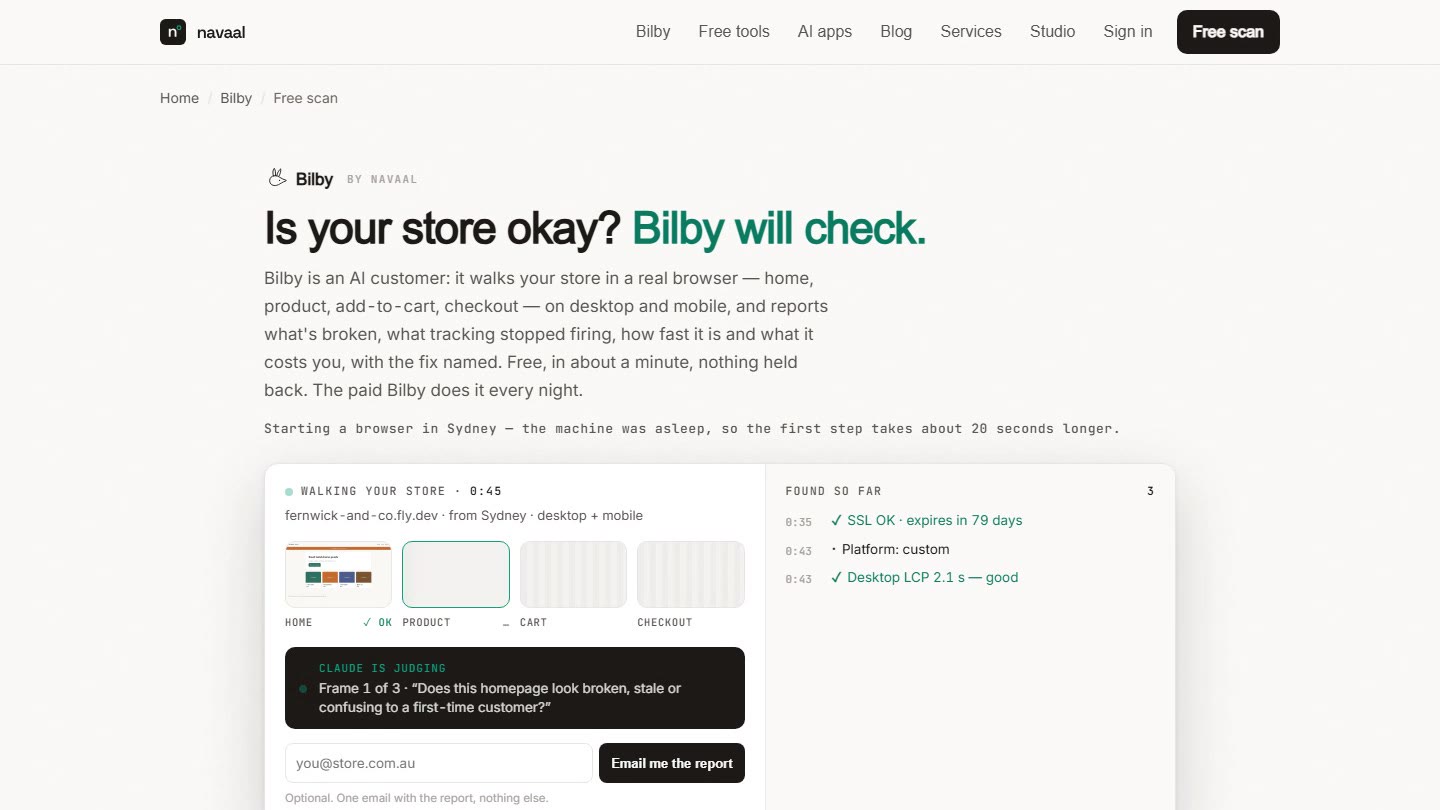
Any friction you hit, customers hit first. The three most common breaks: a dead add-to-cart button, a broken path to checkout after a theme change, and a discount code that rejects at the till during a promotion you're paying to advertise. Bilby's Watch check makes exactly this visit every night — home, product, add-to-cart, cart, checkout to the information step — on desktop and mobile.
Step 3 — Tracking: are the numbers lying? (3 min)
This is the drop that isn't a drop. When a Meta Pixel or GA4 tag breaks — a theme update removed the snippet, a consent banner update blocked it, an app that injected it was uninstalled — the ad platform reports conversions collapsing while Shopify quietly keeps taking orders.
The comparison takes one minute: Shopify Orders vs the ad platform's purchase count for the same day. A wide gap that opened suddenly is a dead pixel. It matters more than it sounds: ad algorithms optimise on conversion signal, so a dead pixel doesn't just misreport — it makes your real performance decay as the algorithm flies blind. Run our free Tracking Health Check to see if your pixels are actually firing; nightly, Bilby's Money check reads the network log per step and flags a platform that fired last night and is silent tonight.
Step 4 — Demand: the answer of last resort (4 min)
Only after the first three come back clean is it demand — and demand has a different signature: the whole funnel shrinks evenly, usually gradually. Check seasonality against last year's same weeks, a competitor's aggressive sale, or a price/shipping change you made. (Bilby Pro's Rivals check visits three competitor stores nightly and alerts on a matched-product price drop.) Demand problems are marketing problems and take weeks; that's exactly why you rule out the technical causes first — they take minutes, and they're the ones that turn a bad day into a bad month if missed.
An overnight sales drop is almost never demand — customers don’t change taste in a day; check traffic, the buy path, and tracking first, in that order.
The fastest diagnostic question for any sudden sales drop is “what changed yesterday?” — a theme edit, an app update, a campaign pause, or a pixel change almost always precedes the dip.
The question that shortcuts everything
"What changed the day before the drop?" A theme update, an app installed or removed, a new discount launched, a domain or DNS edit, a Shopify or app-vendor incident (check shopifystatus.com for the date). In our experience the sudden drops almost always trace to a change someone made — the store didn't decay, it was changed. Keep a habit of noting every change with its date and half these diagnostics become instant — or let Bilby's Change check keep the diary: it diffs scripts, theme, prices, stock and metadata against the previous night and names a new script that appeared the same night a pixel stopped.
Frequently asked questions
Why did my Shopify sales suddenly drop overnight?
How do I tell if it's a traffic problem or a conversion problem?
Can sales look like they dropped when they actually didn't?
What's the first thing to check when Shopify sales drop?
Keep reading: The 7 silent problems that cause these drops · Is Shopify down, or is it just my store? · Free Tracking Health Check
// Catch the drop on night one
Find the leak
before the cliff.
Bilby visits your funnel every night and screenshots the step that broke. One free scan, no signup.
Thin or missing product content is the other half of this problem, and it is the half search engines and AI assistants see. Navaal: AI SEO, AEO & GEO audits a Shopify catalogue for it free, and writes what is missing for review.