
Shopify store monitoring in Canada
Bilby watches Canadian Shopify stores the way a customer in Calgary would: a nightly visit at about 2 am in your store’s time zone from Bilby’s Toronto region, in a real browser, on desktop and mobile, through to the payment step. Billed in US dollars with no tax added, and your registration number on the invoice. From US$29 a month.
Questions people ask
Does Bilby visit my store from Canada, and when?
Yes. Bilby’s Toronto region visits Canadian stores at about 2 am in the store’s own time zone — Pacific, Mountain, Central, Eastern or Atlantic, whichever the store is set to — in a real Chromium browser on a 1440×900 desktop and a 390×844 phone, home → product → cart → checkout, stopping at the payment step. Nothing is ordered.
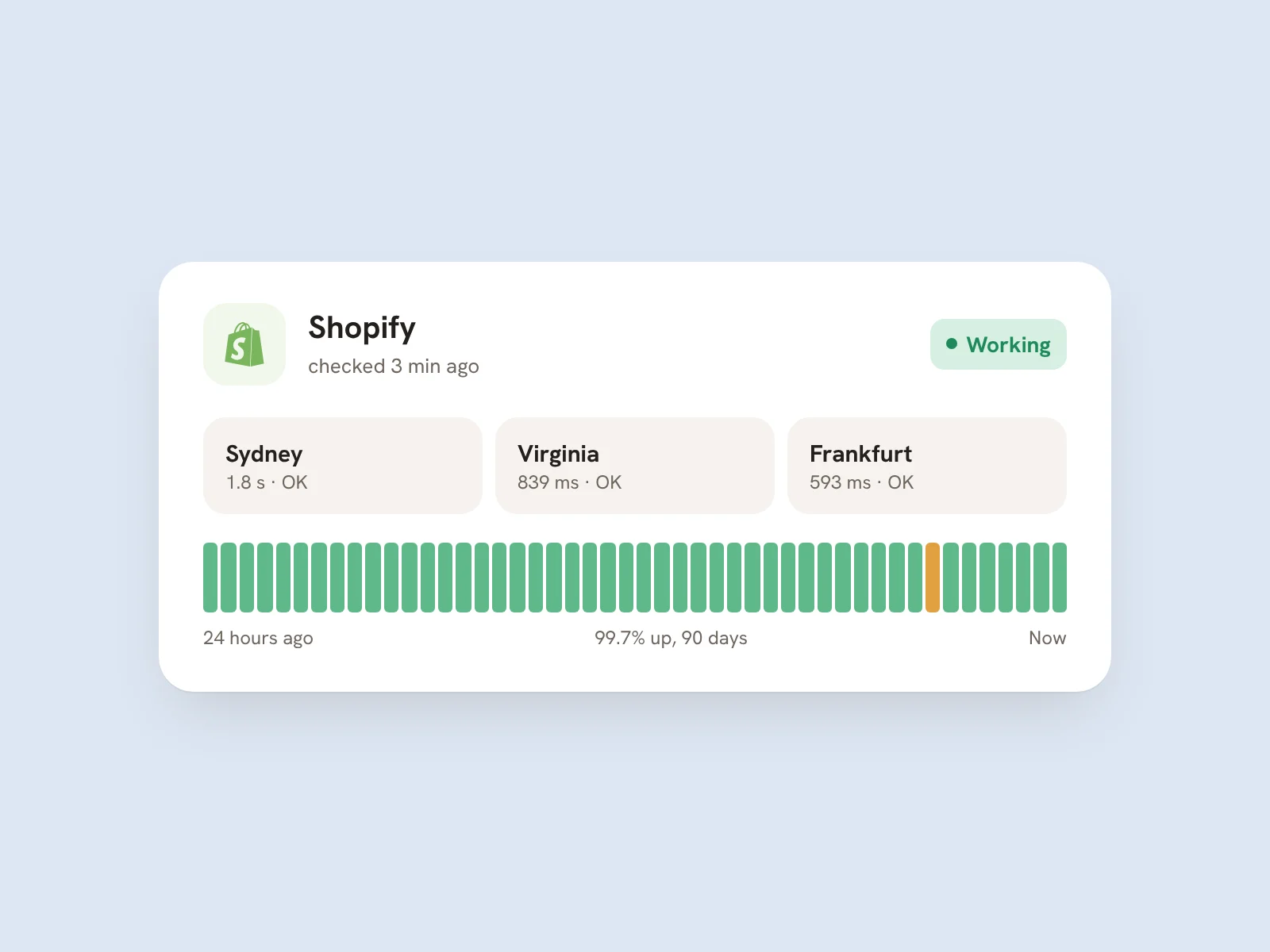
Speed and Core Web Vitals are measured from Toronto, so a Vancouver store’s numbers reflect a Canadian connection rather than one from Sydney. Bilby never enters card details and never needs access to your Shopify admin; it visits the public storefront as a customer would and photographs the payment step, then stops.
What breaks on Canadian Shopify stores that a pinger misses?
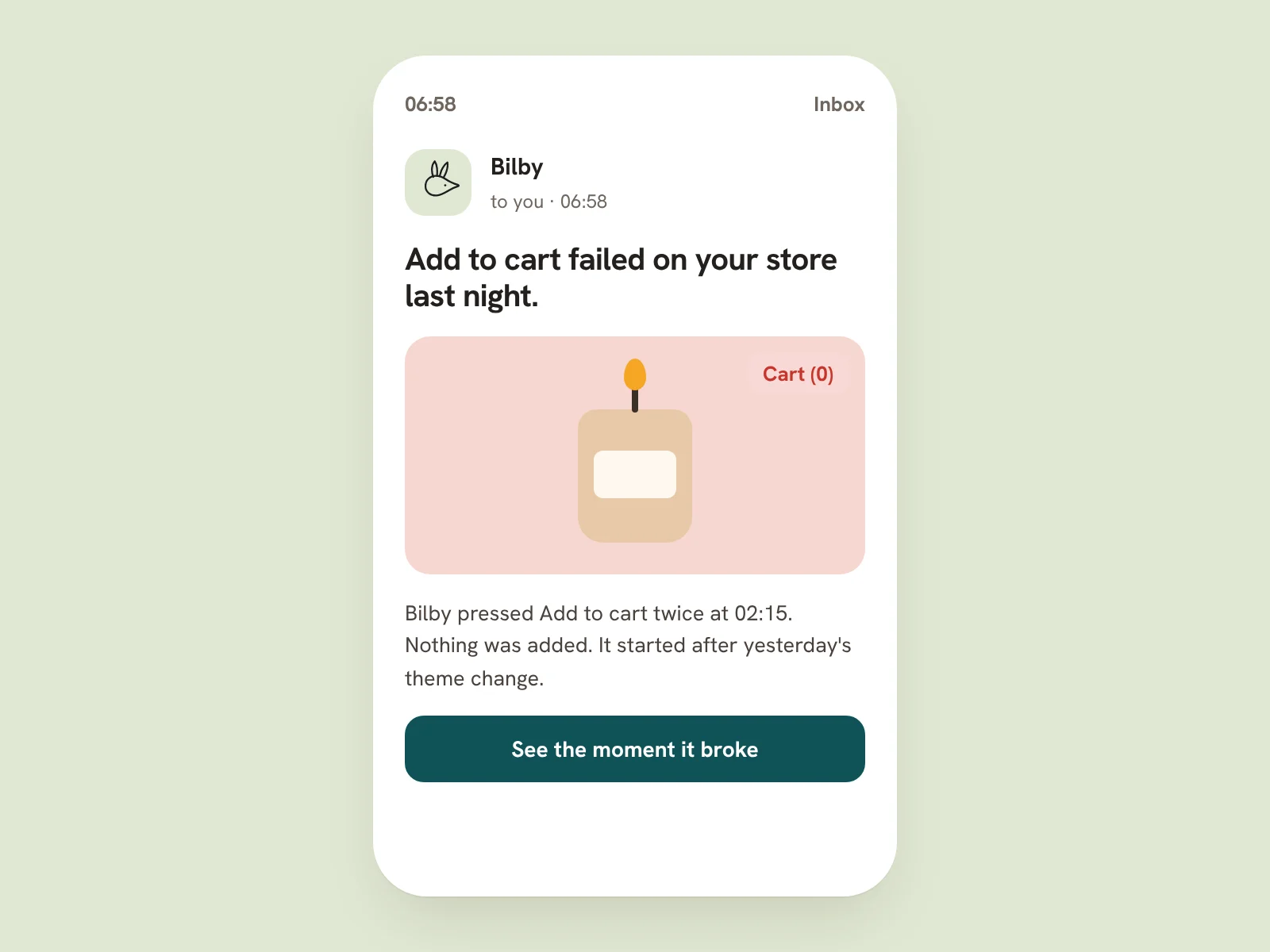
A Canada Post rate that stops returning at checkout, a province-specific tax line (HST in Ontario, GST plus PST in BC, GST plus QST in Quebec) that is wrong after a settings change, a French-language market page that 404s, a Shop Pay or Sezzle button that errors, or a mobile theme update that hides add-to-cart. The homepage still answers 200.
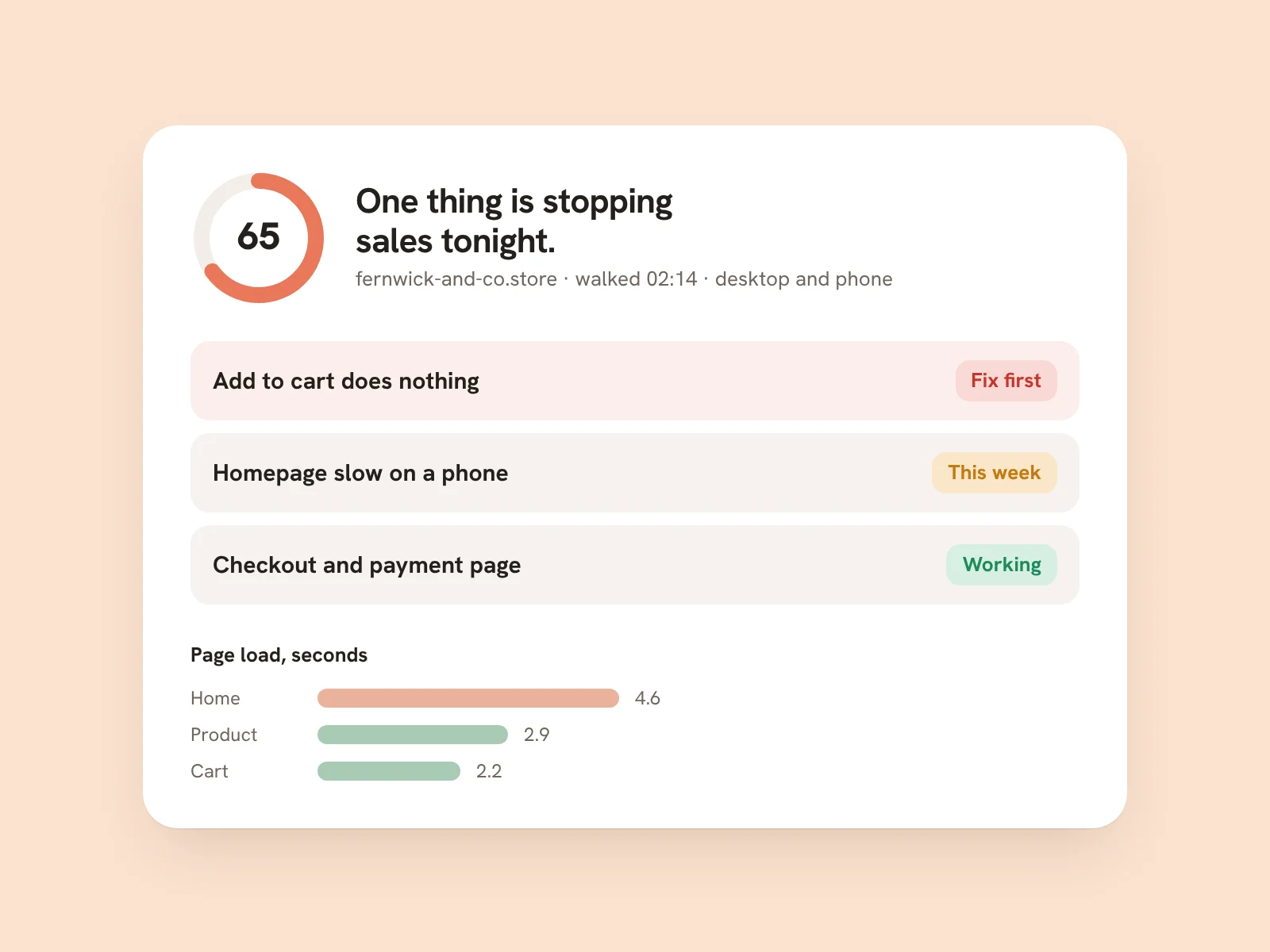
Bilby visits the store as a shopper, not as a script that checks one URL: it presses the buttons, waits for shipping and tax to resolve, reads the checkout for error text, and photographs the screen where the visit stalled, with the fix written underneath. The Money check confirms your GA4 purchase event and Meta Pixel fire on the visit.
Do I pay GST/HST on Bilby?
Bilby is a non-resident supplier. The price shown is the price charged; checkout adds no tax to it. Checkout takes your billing address and, if you have one, your GST/HST registration number, which prints on every Stripe invoice. Registered businesses generally self-assess rather than pay a non-resident vendor.
Every charge produces a Stripe invoice in US dollars, sent to your billing email and downloadable from the customer portal. Cancelling is one click in the same portal; there is no minimum term.
How much does Bilby cost in Canadian dollars?
Bilby is billed in US dollars wherever you are: $29 a month for one store, Bilby Pro $79 a month for three stores plus the Rivals, Search and AI-visibility checks. Yearly billing is ten months’ price — $290 and $790. 7 free nights, no card to start. Bilby asks for a card on night 5; without one the watch pauses after night 7 and nothing is charged. Cancel in one click.
The free scan (3 a day, no card, no signup) and the free monthly checkup email cost nothing. Every price is in US dollars, wherever you are, and yearly billing is ten months’ price.
What does a Canadian GST/HST invoice from a Shopify store need?
For sales of C$30 or more the CRA needs your business name and GST/HST registration number, the invoice date, the total, and the tax amount or a statement that it is included with the rate; from C$150 add the customer’s name, a description and the payment terms. Shopify’s default order confirmation does not print your registration number.
Where to next
The long-form comparison for this market is Best Shopify store monitoring tools in 2026: 8 compared, with the facts for Canada — seven other monitors, what each checks, prices verified against their public pages, and when not to pay for any of them. Plans in USD are on the pricing page, and how the visit works explains the seven things it checks.
Where Bilby visits stores: United Kingdom · United States · European Union · Australia
See what Bilby finds
in your Canadian store.
One free visit, the whole report — annotated screenshots, costs, fixes. No signup, no card.
Scan my store freeOr see pricing — from $29/mo, 7 free nights, no card to start
What this looks like in the app
Start tonight.
Type your store. Bilby walks it now and shows you what it found. Free, no card.