// Troubleshooting · Outages
Is Shopify down, or is it just your store?
Last updated 28 September 2026.
Open Shopify's status page: an incident on Storefronts or Checkout means it's Shopify — change nothing and wait it out. If every system is operational, the outage is yours, and the two-URL test names it: your-store.myshopify.com loads but your custom domain doesn't → domain or DNS. Neither loads → a broken theme deploy, an app outage blocking your pages, or a store paused over billing, in that order of likelihood.
"Is Shopify down?" is the first thing every merchant types when sales flatline. It's the right instinct — but it answers only half the question. Platform outages are rare and fix themselves. Store-side outages are far more common, don't fix themselves, and look identical from where you're standing. Here's how to tell them apart fast, and what to do in each case.
How do I tell in 60 seconds?
- Check the source of truth. Open shopifystatus.com. It reports live health for storefronts, checkout, admin and APIs. An active incident on "Storefronts" or "Checkout" means it's Shopify.
- Cross-check user reports. Downdetector's Shopify page spikes within minutes of a real platform outage. A flat line there plus a green status page means the platform is fine.
- Load your store from outside your own network. Open it on your phone with Wi-Fi off, in a private window. Your office network, VPN or browser cache can lie to you in both directions.
- Load your
.myshopify.comaddress. Ifyour-store.myshopify.comloads but your custom domain doesn't, you've just diagnosed it: the problem is your domain or DNS — not Shopify, and not your theme.
The two-URL test settles most "is Shopify down?" panics in seconds: if your-store.myshopify.com loads but your custom domain doesn't, the problem is your domain or DNS — not Shopify, and not your theme.
If it is Shopify, what should I do (and not do)?
Genuine platform outages are rare, loud and short — and there is nothing on your store you can do to fix one. The discipline is in not acting:
- Don't change your theme, apps or DNS. Panic changes made during an outage are the classic way to be broken after Shopify recovers — and then spend a day hunting a problem you created.
- Subscribe to updates on the status page so you know the minute it's resolved.
- Pause paid ads if the outage runs long. Every click to a dead storefront is money burned. Our downtime cost calculator shows what an hour costs your store, with the method printed.
- Post a one-line notice to your social channels or email list if you're mid-promotion — it turns a bad experience into a human one.
If it is just your store, what are the usual suspects?
Status page green, store dead. Work this list top to bottom — it's ordered by how often each one is the cause:
- Domain expired or DNS changed. The number-one cause of a fully offline store. Check your registrar for expiry and auto-renew, and confirm the records Shopify requires for a third-party domain: an A record pointing to
23.227.38.65and awwwCNAME toshops.myshopify.com(Shopify Help Center: Domains). The giveaway:.myshopify.comworks, your domain doesn't. - SSL certificate error. Browsers show a security warning instead of your store. This usually follows a DNS change and resolves once the records are correct; Shopify's domain documentation gives the certificate up to 48 hours to issue after a change.
- A broken theme deploy. A theme edit or update with a Liquid error can blank pages or kill the buy path while the rest of the site "loads". If it started right after a change, publish your pre-change theme copy. We covered the checkout version in did a theme update break your checkout?
- A third-party app outage. If a page-builder, review or personalisation app's servers go down and your theme loads their script synchronously, your pages can hang or render broken. Check the vendor's own status page; disabling the app embed (Online Store → Themes → Customize → App embeds) confirms the diagnosis.
- The store is paused or frozen. A failed subscription payment freezes the store until billing is fixed — visitors see an unavailable page. Check Settings → Plan and your billing email.
What if it is down for some customers only?
The outages above are at least honest — the store is down, you notice, you fix it. The expensive ones are partial: the store works on your laptop and fails on mobile Safari; works in one country and fails in another mid-DNS-propagation; every page loads except the two your ads point at. Your own visit looks fine, the dashboard looks plausible, and the failure runs for days.
That class of problem isn't caught by a status page or a quick look at the site. It's caught by visiting the real customer path, on a real device profile, on a schedule — which is the job of a monitor rather than a merchant.
During a genuine Shopify platform incident the correct move is to change nothing — mid-outage theme or app "fixes" are how a one-hour platform problem becomes a three-day self-inflicted one.
Frequently asked questions
How do I check if Shopify is down right now?
Shopify status says everything is fine but my store won't load. Why?
your-store.myshopify.com loads but your custom domain doesn't, it's the domain or DNS.What should I do while Shopify is down?
Can my store be down for some customers but not others?
Keep reading: Why did my sales suddenly drop? · Checkout is blank or white? · Did a theme update break my checkout? · What does an hour of downtime cost?
// Know before your customers do
Is your store okay
right now?
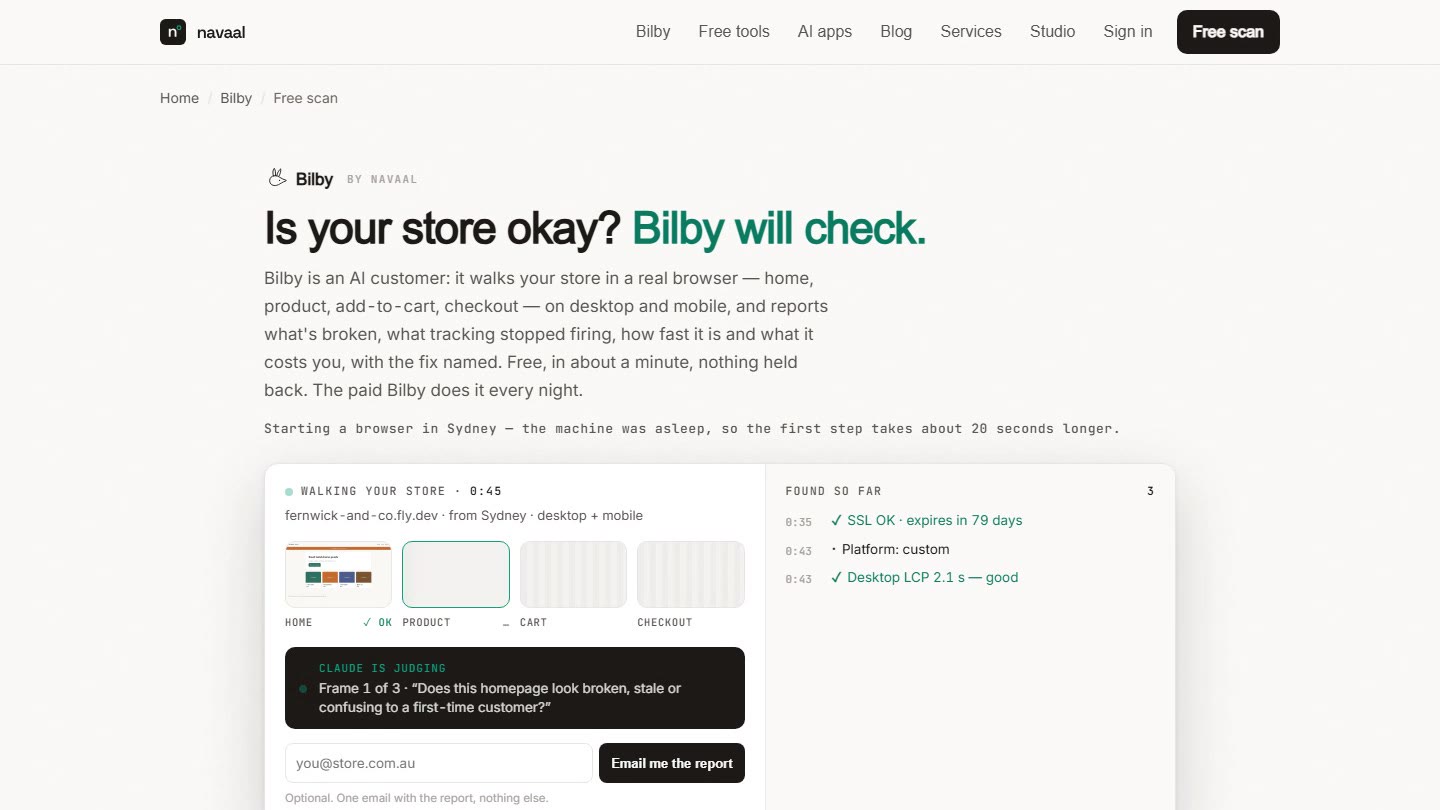
Bilby checks the full customer path every night, reads your SSL and domain expiry, and screenshots anything broken. One free scan, no signup.
Thin or missing product content is the other half of this problem, and it is the half search engines and AI assistants see. Navaal: AI SEO, AEO & GEO audits a Shopify catalogue for it free, and writes what is missing for review.