// Store health · The silent failures
7 silent Shopify problems that kill sales while you sleep
Last updated 28 September 2026.
The most expensive Shopify failures throw no error page and send no alert — the store keeps loading while one step of buying quietly dies. The seven that do the most damage: 1) an add-to-cart button broken by a JavaScript error (usually mobile-only), 2) a broken path from cart to checkout, 3) a tracking pixel that dies and blinds your ads, 4) a payment method silently failing, 5) top landing pages 404ing after a URL change, 6) inventory sync marking in-stock bestsellers "sold out", and 7) page speed collapsing after an app install. Each one is invisible from the admin dashboard — the only symptom is fewer orders.
There are two kinds of store problems. The loud kind — site down, error page, red banner — gets fixed within the hour, because everyone can see it. The silent kind is worse in every way: the store looks perfect on your screen, every dashboard renders, and somewhere between a customer's click and their payment, one link in the chain has stopped holding. No system reports it, because every system is technically "working". Meanwhile the orders just… slow.
These are the seven silent failures we see most, why each one hides so well, and how to catch it — ideally the night it happens, not the week after.
The common thread in overnight store failures is a change made the evening before — a theme edit, an app update, or a script change — which is why the cost of any silent problem is bounded by how often something re-checks the buy path.
1. Why does add to cart do nothing, usually only on mobile?
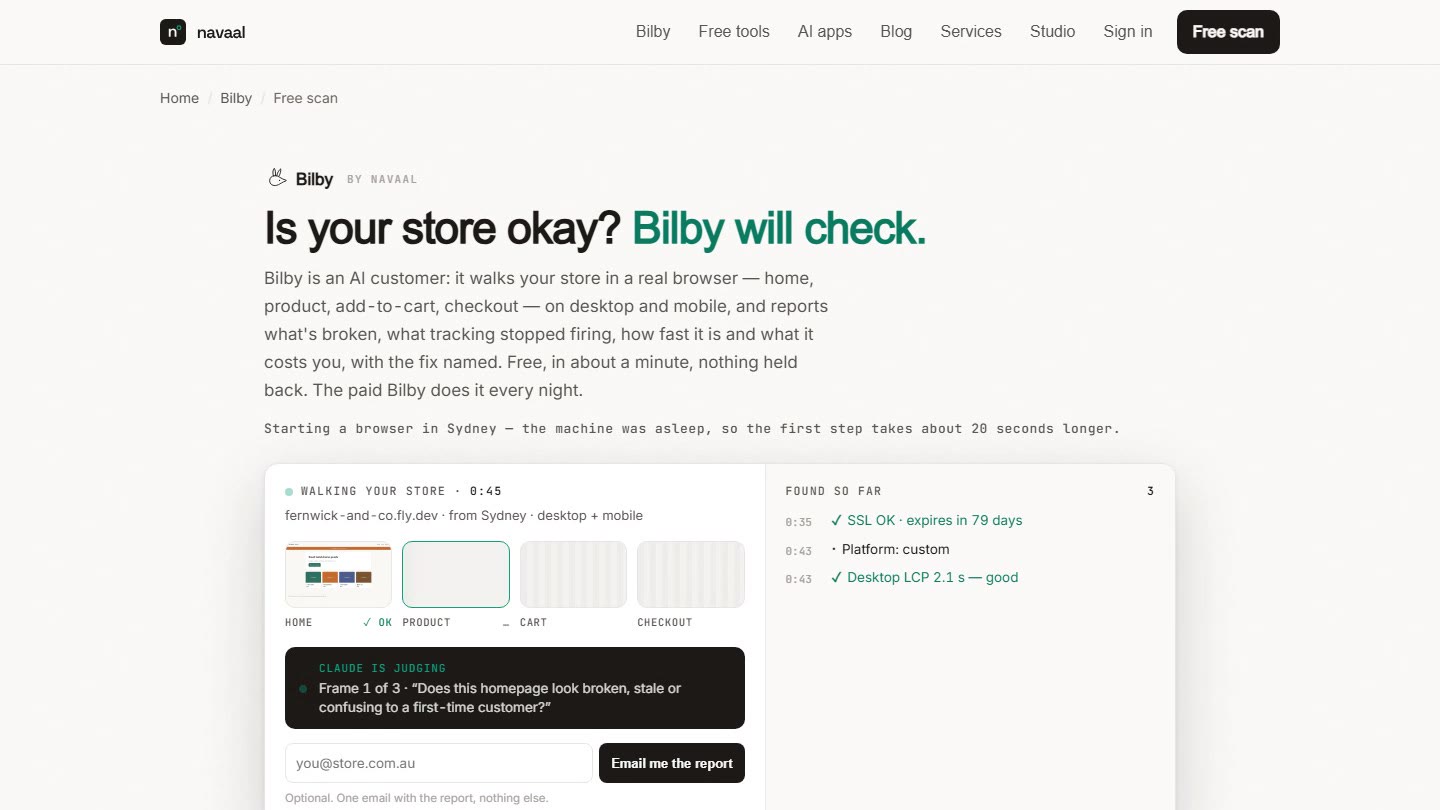
A theme tweak, an app update, or two apps' scripts colliding throws a JavaScript error — and the add-to-cart button stops responding. It hides because it's frequently device-specific: works on your desktop Chrome, dead on mobile Safari, where most of your traffic is. Catch it: test on a real phone in incognito after every theme or app change, and watch for "product views" outpacing "added to cart" in analytics. Nightly, Bilby's Watch check presses add-to-cart on desktop and mobile and records the cart endpoint's answer — a refusal is a P1 finding with a screenshot. Full walkthrough: why isn't my add-to-cart button working?
2. What breaks the path from cart to checkout?
Shopify's checkout itself is bulletproof — the theme-controlled path to it isn't. A theme update can break the cart drawer or the Checkout button, and because Shopify's own pages are untouched, everything upstream and downstream looks healthy. Catch it: a real end-to-end test order after every theme change, mobile and desktop — the Watch check visits cart → checkout to the information step every night. Full walkthrough: did a theme update break my checkout?
3. How does a dead tracking pixel blind your ads?
The purest silent failure: sales continue, only the signal dies. A theme update drops the snippet, a consent-banner change blocks it, an app that injected it gets removed — and your Meta Pixel or GA4 stops reporting purchases. Ad algorithms optimise on that signal, so real performance decays while dashboards scream that "ads stopped working". Merchants respond by cutting budgets — turning a reporting bug into a revenue cut. Catch it: compare Shopify Orders to ad-platform conversions weekly, and run the free Tracking Health Check after any theme or consent change. Nightly, Bilby's Money check reads the network log per step and flags a platform that fired last night and is silent tonight.
4. Why would one payment method fail silently?
An expired payment-provider credential, a gateway-side incident, or an express wallet (Apple Pay, PayPal) breaking after a domain change — and some fraction of customers hit an error at the final step. It hides because other payment methods keep working, so orders don't stop, they just thin out, and only the affected customers see anything wrong. Catch it: watch for abandoned checkouts clustering at the payment step, take every "payment didn't work" email seriously, and periodically complete a test transaction through each wallet you offer. This is the one failure on this page no automated visit can see without placing a real order — Bilby stops at the payment step and never orders — so the test transaction is on you.
5. Why do top landing pages 404 after a URL change?
Rename a product's handle, delete a collection, restructure navigation — and every ad, email, and Google result pointing at the old URL now lands on a 404. The store is perfectly healthy; the doors your paid traffic uses are bricked. Spend continues, arrivals bounce. Catch it: whenever you change a handle, add the URL redirect (Online Store → Navigation → URL Redirects), and click your own top ads and email links after any restructure. The Watch check fetches the top ten pages from your sitemap nightly and reports errors and unexpected redirects.
6. Why does inventory sync mark bestsellers "sold out"?
A sync hiccup between Shopify and your warehouse, supplier feed, or multichannel tool zeroes the stock on products you have shelves of — and every buy button flips to "Sold out". No error anywhere: inventory systems are behaving exactly as told. Doubly silent because customers don't complain about products they assume are gone; they just leave. Catch it: a daily glance at your top 10 sellers' availability, and alerts on any bulk inventory adjustment from a connected app. Bilby's Change check reports the night the visited product's stock label changes — a hero product going sold out.
7. Why does page speed collapse after an app install?
The slowest failure — literally. Each app adds scripts; one heavy or misbehaving app can add seconds to mobile load time, and slow pages don't error, they just bleed conversion: more bounces before the page paints, fewer sessions surviving to add-to-cart. Nothing is "broken", so nothing gets reported. Catch it: test your top product page with Google PageSpeed Insights before and after every app install, and remove leftover script tags when you uninstall apps — many leave code behind (the free leftover app code scanner lists them). Bilby's Speed check measures LCP on desktop and mobile for the home, collection and product pages nightly and names the vendor behind the heaviest requests.
What do all seven have in common?
- No system owns them. Shopify monitors its platform; app vendors monitor their servers. The seams between them — where these failures live — belong to nobody but you. (When the platform genuinely is down, that's a different playbook: is Shopify down, or is it just my store?)
- They start with a change. A theme update, an app install or update, a URL edit, a sync job. The store didn't decay — it was changed, usually the night before.
- The cost compounds hourly. Every hour unnoticed multiplies lost orders. Put your own numbers into the downtime cost calculator — a week of a mobile-only add-to-cart failure on a store doing even modest volume is a four-figure hole.
- They're all findable by the same test: visit the store like a stranger, on a phone, end to end. The problem was never that the visit is hard — it's that nobody does it at 2 AM, every night, after every change.
All seven silent store problems share one property: the storefront still loads and looks normal, so no uptime monitor fires — only a customer’s failed attempt to buy, or a visit that imitates one, can see them.
Frequently asked questions
What is a silent failure on a Shopify store?
Why doesn't Shopify alert me when something breaks on my store?
How do I know if my store is losing sales to a silent problem?
How can I catch silent problems automatically?
Keep reading: The 15-minute sales-drop diagnostic · Discount code not working? Every cause · How Bilby's nightly visit works
// Silence isn't safety
Someone should visit
the store tonight.
Bilby visits the full buying path every night and screenshots anything broken. One free scan, no signup.
Thin or missing product content is the other half of this problem, and it is the half search engines and AI assistants see. Navaal: AI SEO, AEO & GEO audits a Shopify catalogue for it free, and writes what is missing for review.