// Troubleshooting · Storefront
Why is my add-to-cart button not working on Shopify?
Last updated 20 October 2026.
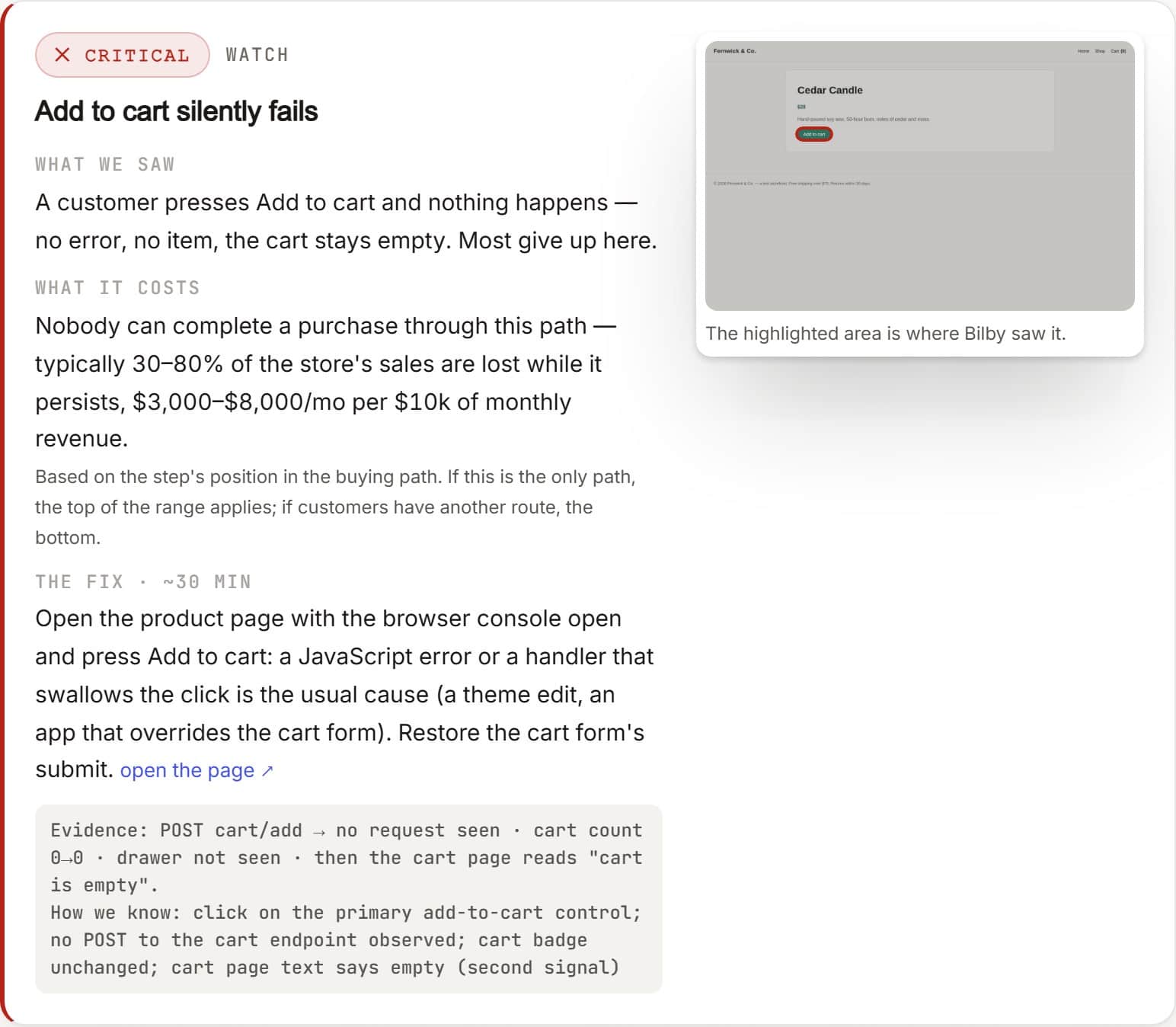
A Shopify add-to-cart button that does nothing is almost always one of five things: a JavaScript error (usually from a newly installed app or a theme edit) stopping the click; a variant that isn't selected or is out of stock; an app conflict injecting broken scripts; a theme update that changed the product-form markup; or a cart/AJAX setting that fails silently. Open your browser console (F12) on the product page, look for a red error, and test in an incognito window on both mobile and desktop. That narrows it down fast — the hard part is knowing it's broken before customers do.
A broken add-to-cart button is the most expensive bug a store can have: the customer is ready to buy, clicks, and nothing happens. There's no error message, no second chance — they leave. Worse, it often breaks quietly, for a subset of products or on one device, so it can run for days before anyone notices. Here's how to find the cause and fix it, in the order most likely to be the culprit.
A broken add-to-cart button is the most expensive store bug because it fails at the moment of maximum intent — the customer has already decided to buy — and it fails silently, with no error for anyone to report.
// WHICH GATE FAILED? — TICK WHAT YOU OBSERVE, GET YOUR PRIME SUSPECT
First, rule out Shopify itself. We add a product to the cart on our own Shopify store every five minutes from Sydney, Virginia and Frankfurt, and publish what we see. Is Shopify down right now? · The apps we watch · All 97 services. If Shopify is working, the fault is in your store — which is what the rest of this page is for.
Is it actually broken, and for whom?
Before you change anything, reproduce it cleanly:
- Use an incognito/private window. This rules out your admin login, cached scripts, and browser extensions.
- Test your live theme, not a preview. Preview URLs can behave differently from what customers see.
- Check mobile and desktop. A button that works on desktop can fail on mobile if a sticky bar or app overlaps it.
- Try several products. If it fails on some and not others, the pattern (a variant, a tag, a collection) is a strong clue.
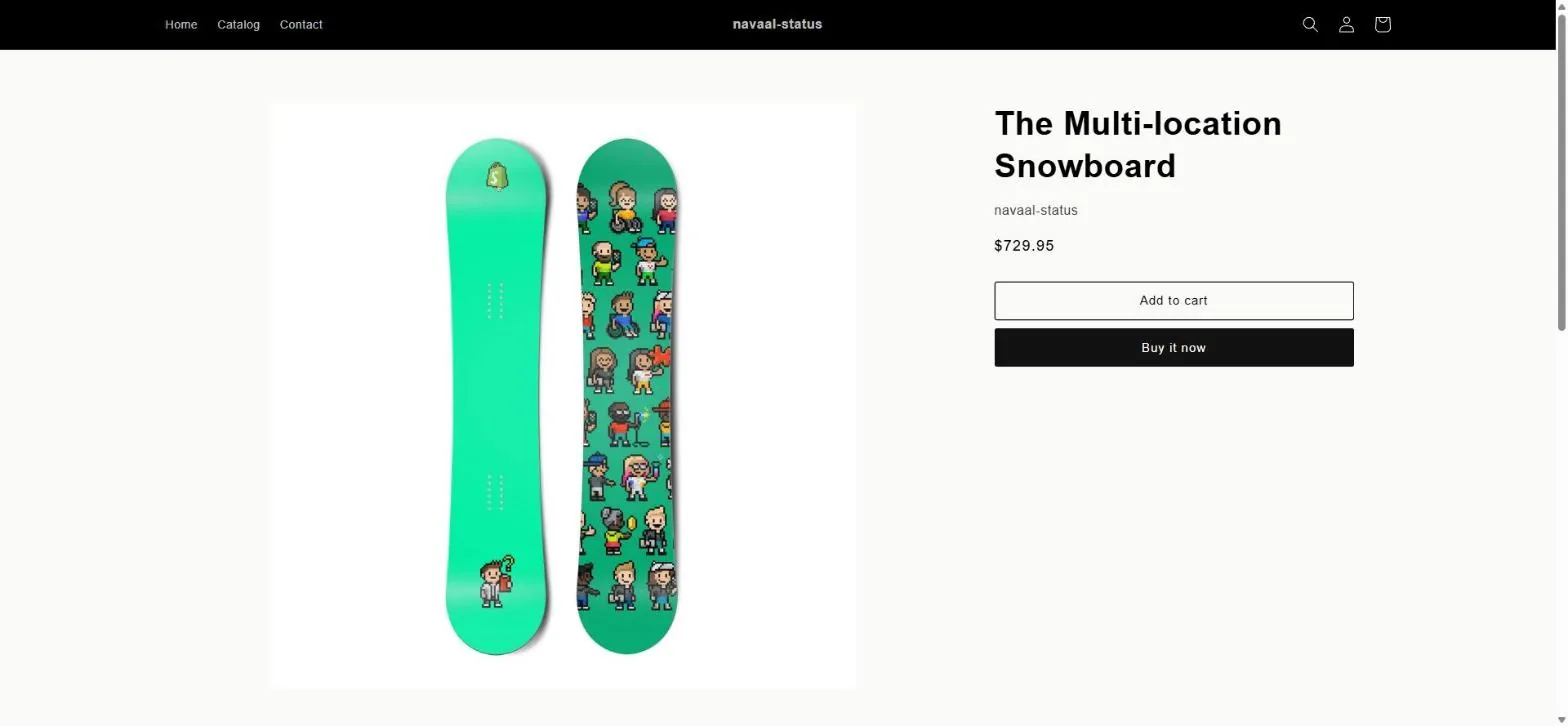
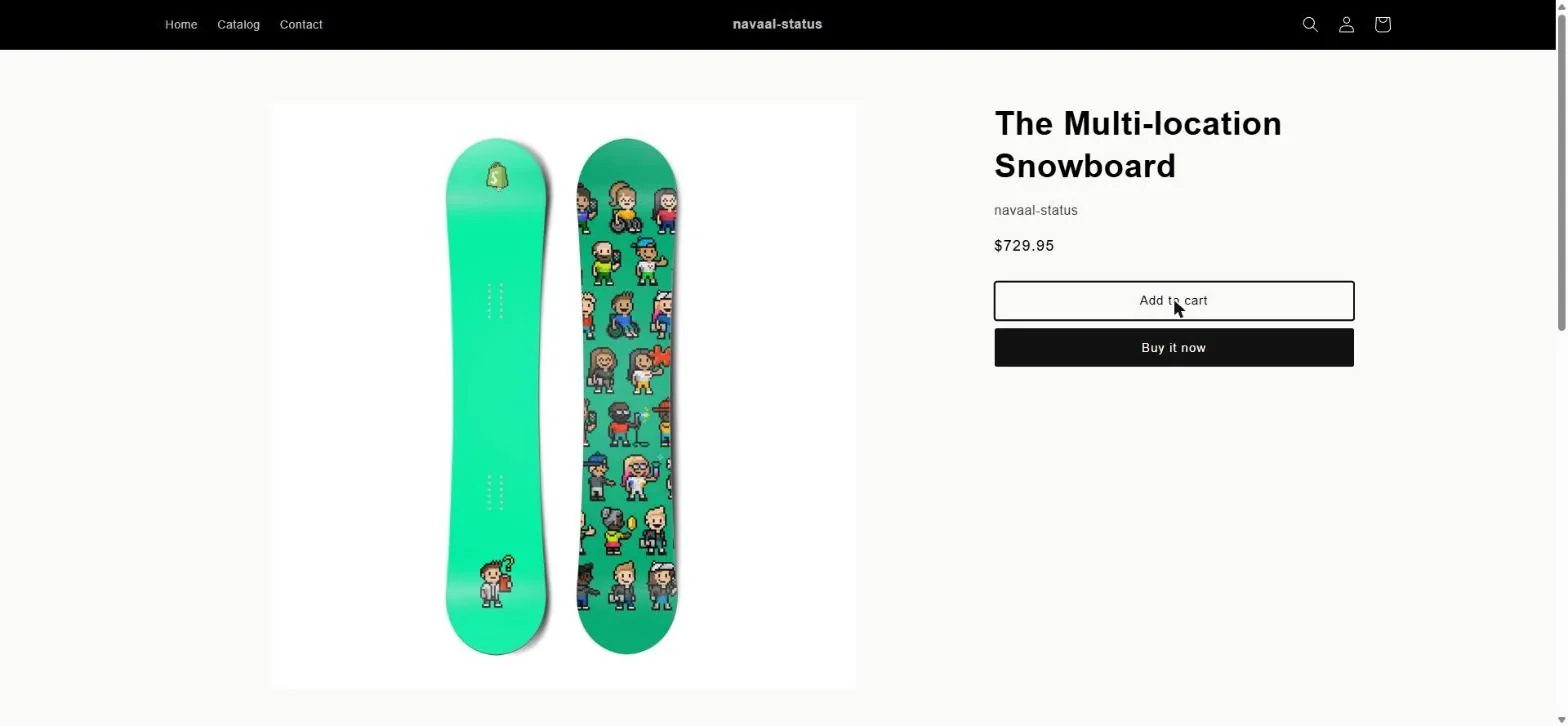
The decision path
Four questions, in order. Each answer either names the cause or hands you to the next question. Work down it — the order is cheapest-to-check first, not most-likely first, because the cheap checks also tell you what not to touch.
Does the button do nothing at all, or is it greyed out?
Nothing at all — the click is reaching something that then fails. Open the
console (F12 → Console) and reload. A red error on load points at
a script stopping the click; no error at all points at
the form or the AJAX cart.
Greyed out or disabled — the theme is doing that deliberately. Go to the variant and stock check before anything else; nothing is broken in most of these.
Does it fail on every product, or only some?
Every product — a global cause: a script, the theme’s product form, or an app that loads on every page. Start at Cause 1 and then Cause 4.
Only some — follow the pattern rather than the symptom. Compare a working product with a failing one: variant count, stock, tags, collection, a metafield an app reads. Cause 2 covers the common ones.
Did anything change in the last few days?
An app was installed, updated or removed — Cause 3. A removed app can leave its script behind, which is the version people miss.
The theme was updated or edited — Cause 4. Compare the product form against the previous version in the theme library before editing anything.
Nothing changed — then something changed that you do not control: an app auto-updated, or a third-party script started failing. Cause 1 finds that in the console.
Does the Network tab show a request when you click?
No request at all — the click never got as far as the cart. That is a script error or a form the theme has broken (Cause 4).
A request to /cart/add that fails — read its response. A
422 names the reason (usually a missing or unavailable variant); a
404 or 5xx means the form is posting somewhere it should not be.
Cause 5.
A request that succeeds, but the cart looks unchanged — the item is in the
cart and the display is broken. Load /cart directly: if the item is
there, treat this as a cart-drawer bug, not a buying bug. Cause 5.
Cause 1: is a JavaScript error stopping the click?
This is the single most common cause. The button relies on JavaScript to add the item and update the cart; if any script on the page throws an error first, the handler may never run. Open your browser's developer console (F12 → Console) and reload the product page. A red error — especially one naming a .js file from an app or your theme — usually points straight at the problem. Note the file: if it's an app's script, that app is your prime suspect.
Cause 2: is a variant unselected or out of stock?
Many themes disable the add-to-cart button until a required option (size, colour) is chosen, and keep it disabled for sold-out variants. This is correct behaviour — but it looks like a bug if the default variant loads as out of stock, or if the option selector is hard to see. Check whether the button is truly dead or just disabled (greyed out) pending a selection. If in-stock, fully-selected variants still won't add, move on. (Bilby's Watch check treats a disabled add-to-cart with no sold-out message and no variant chooser as a finding.)
Cause 3: is another app conflicting with the button?
Apps that inject JavaScript — upsells, sticky carts, product-options builders, reviews, currency switchers — are a frequent cause. Two apps can conflict, or one can conflict with your theme, and the cart breaks. To isolate it:
- List apps you installed or updated just before the problem started.
- Disable them one at a time (or pause their script embeds under Online Store → Themes → Customize → App embeds).
- Re-test the button after each change.
When the button comes back, you've found it. Contact that app's support with the console error — it's usually a known conflict.
The most common cause of a dead Shopify add-to-cart button is a JavaScript error from a recently installed app or theme edit — visible as a red line in the browser console on the product page.
Cause 4: did a theme update change the form?
If the button broke right after a theme update, a manual edit, or a "buy button" change, the product form's markup or its JavaScript hooks may have changed. Compare against a fresh copy of your theme, or restore the last known-good theme version (Shopify keeps a history under Themes → ⋯ → older versions). If you edited product-form.liquid or a cart snippet, that's where to look.
Cause 5: are the cart or AJAX settings failing silently?
Some themes add to cart via AJAX (without a page reload) and show a drawer or notification. If that request fails — a bad cart endpoint, a blocked request, a third-party script hijacking the form — the button appears to do nothing. The console's Network tab will show a failed /cart/add request if this is the cause. This is exactly what Bilby's Watch check records on the nightly visit — the cart endpoint's HTTP status on add-to-cart — and a refusal is a P1 finding with a screenshot.
Prove the fix, don’t assume it
Changing the thing you suspect is not the same as fixing the thing that was broken. Do this in order, in a window that knows nothing about you:
- Open your store in a private window, on a phone as well as a desktop.
- Add the product that was failing to the cart. Then add a second, different product — a fix that only works for one product is not a fix.
- Open
/cartdirectly and check the line items and the total. - Press checkout and wait for the payment step to render. A cart that fills and a checkout that never arrives is a different fault, and this page covers it.
- Keep the console open throughout. No new red errors.
Then have something that is not you try it. Bilby opens your store in a real browser, picks a product, adds it to the cart and walks to checkout — and if it stops, it shows you the screen where it stopped. It is free, there is no account, and it takes about a minute.
Run the free scanA pass looks like this: product found, variant chosen, added to cart, cart shows the line, checkout reached. Anything less and the report names the step that stopped.
If you are on WooCommerce
Steps from WooCommerce documentation, not reproduced by us. Everything above was reproduced on our own store; this section is their guidance with links, and it carries no screenshots for that reason.
- Work through the self-service troubleshooting guide first: it has the conflict test (switch to a default theme, disable plugins in turn) that isolates a broken add-to-cart in minutes.
- If your theme overrides WooCommerce templates, compare them against the current ones —
template structure
and the
theme developer handbook.
An outdated
single-product/add-to-cartoverride is the WooCommerce equivalent of Cause 4 above. - If the cart or checkout page is built with blocks rather than shortcodes, check the cart and checkout blocks status and the shortcode reference.
- For AJAX add-to-cart behaviour, see WooCommerce settings, and the developer docs for the hooks a plugin may be using to intercept the button.
Frequently asked questions
Why is my add-to-cart button not doing anything when clicked?
Why is my add-to-cart button greyed out?
Could an app be breaking my add-to-cart button?
How do I know it's broken for customers and not just me?
Bilby checks this for you every night. Free for seven nights →
Keep reading: Works on desktop but not mobile? · The nightly store check · Did a theme update break your checkout? · How Bilby watches your store
// Catch it before a customer does
Is your store
actually okay?
Bilby visits your store like a customer and reports anything broken, slow, or confusing — with screenshots. One free scan, no signup.
Thin or missing product content is the other half of this problem, and it is the half search engines and AI assistants see. Navaal: AI SEO, AEO & GEO audits a Shopify catalogue for it free, and writes what is missing for review.