// Guides · The nightly store check
How often should you test your Shopify checkout?
Last updated 28 September 2026.
After every change you make, and at least once every 24 hours regardless — because apps and third-party scripts change your store on their schedule, not yours. A nightly visit of the buy path (home → product → add-to-cart → discount → checkout → tracking) bounds the longest a silent failure can run to one day, and takes about five minutes by hand. Before a launch or a sale, test after every deploy and freeze changes early.
Ask when stores break and a pattern emerges from every merchant war story: not at random, but right after something changed. The theme tweak at 11pm. The app that updated itself overnight. The pixel "improvement" on Friday afternoon. The breakage clock starts at the change — which is why the frequency of testing, not the thoroughness of any single test, determines how much a failure costs you.
A silent store failure costs whatever your hourly sales rate is, multiplied by how long it takes you to notice — which makes checking frequency, not checking thoroughness, the variable that controls the cost.
What should a nightly store check actually cover?
Here is the whole practice. It needs no tools, no purchase, and about five minutes — in a private window, ideally on your phone, because that's what most customers use:
- Land like a stranger. Homepage in a private window, on your phone. Does it load fast? Anything visibly broken, overlapping or stale (an expired sale banner counts)?
- Open a product page — ideally a bestseller and, weekly, a random one. Images load? Price right? Variants selectable?
- Add to cart. The single most breakage-prone step. Did the item actually land in the cart, at the right price?
- Apply your discount code if you're running one. A code the cart rejects is a top cart-abandonment trigger — every reason Shopify rejects one.
- Begin checkout through to the payment step. You don't need to pay — most silent failures live before payment.
- Confirm tracking fired. Weekly at minimum: compare a day of real orders against what your ad platform and GA4 report — the two-minute gap check.
Why isn't "test after changes" enough?
Because you are not the only thing changing your store. Apps push updates on their own release schedules. Third-party scripts — reviews, chat, upsells — change on their vendors' servers without touching your theme. Payment providers deploy. Even a theme can pull remote assets that change under you. The nightly check exists to catch the changes you didn't make — which are exactly the ones you'd never think to test for.
The changes most likely to break a store silently are the ones the merchant didn't make — app auto-updates and third-party script changes — which is why testing only after your own edits leaves the biggest risk untested.
Is it worth paying to automate checkout testing?
Five minutes a night is about thirty hours a year of a founder's attention — the kind of chore that gets skipped exactly when it matters (holidays, launch weeks, a sale). The calculator beside the answer does the comparison for your store: your longest silent window at the frequency you check today, against 24 hours for a nightly visit, priced at your own average hourly rate. If the difference is more than a month of a monitor, the monitor is the cheaper option. If your revenue is small enough that the difference is nothing, do it by hand — the six steps above are genuinely enough.
Frequently asked questions
How often should I test my checkout?
What is a nightly store check?
Can't I just test after I make changes?
Do I need to place a real order?
Keep reading: Best store monitoring tools, compared honestly · Did a theme update break my checkout? · Add-to-cart not working? · Downtime cost calculator
// The nightly store check, automated
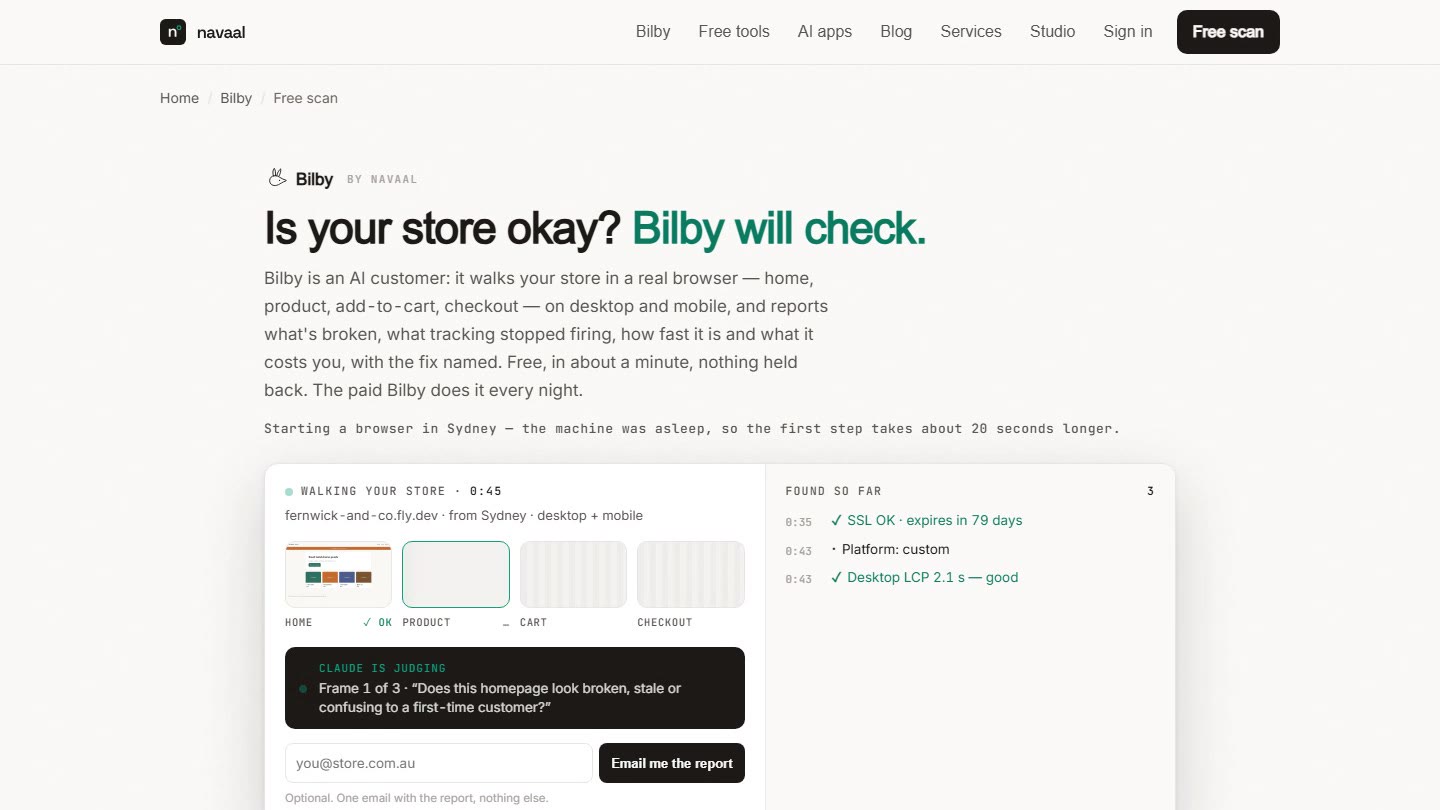
Bilby visits it
every night.
All six steps, in a real browser, judged like a customer — with the screenshot in your inbox when something breaks. Try the free visit first.
Thin or missing product content is the other half of this problem, and it is the half search engines and AI assistants see. Navaal: AI SEO, AEO & GEO audits a Shopify catalogue for it free, and writes what is missing for review.