// Guides · Monitoring
Best Shopify store monitoring tools in 2026 — an honest comparison
Last updated 28 September 2026.
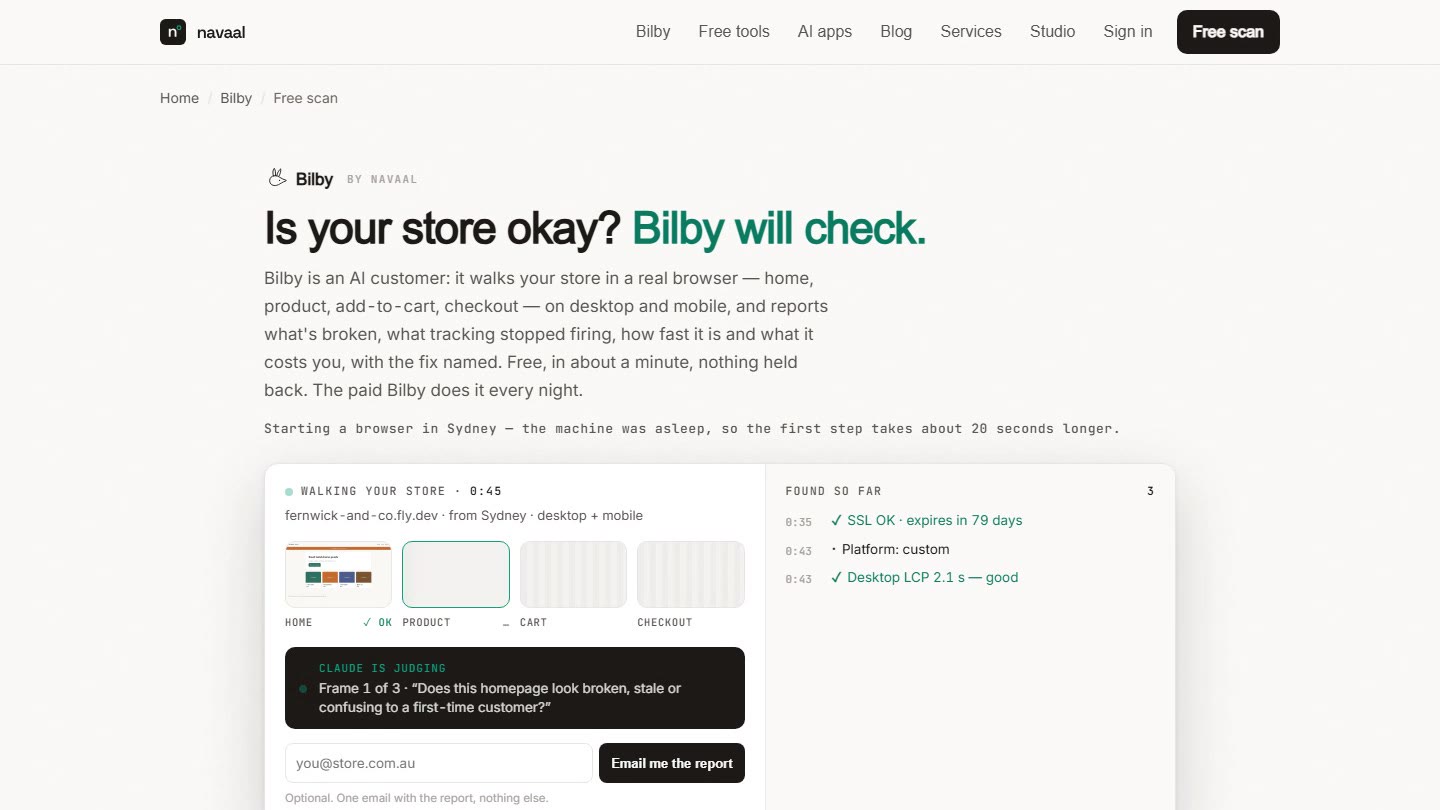
There are three kinds of "store monitoring", and the right one depends on what you're afraid of. Uptime pingers (UptimeRobot, Pingdom-class tools) tell you if your site is reachable — free-to-cheap, and enough if full outages are your only worry. Checkout testers (Uptime app, Revenue Shield) run scripted buy-flow tests on a schedule and alert with evidence. AI store walkers (our Bilby) shop the store nightly like a first-time customer and judge everything a shopper would experience — buy path, speed, broken images, stale promos — with annotated screenshots. Full disclosure up front: Bilby is ours; every competitor fact below was verified against live listings on 31 August 2026, and we tell you when the free options are genuinely enough.
Uptime monitors check that your homepage returns 200 — but your homepage can return 200 while your buy button is dead, which is why uptime and a working buy path are different things to monitor.
The comparison table
| Tool | What it actually checks | Evidence on failure | Cadence | Price (verified 31 Aug 2026) |
|---|---|---|---|---|
| UptimeRobot generic pinger |
HTTP status, keywords on a page, ports, SSL/domain expiry. Doesn't render JavaScript or click anything. | Status code + response time | 5 min (free) / 60s (paid) | Free (50 monitors) · from $9/mo |
| Uptime app Shopify app · 5.0★ · 30 reviews |
Shopify platform status, third-party app status, plus automated UI tests of store flows (add-to-cart, checkout). | Test results + alerts | 24/7 platform watch; scheduled tests | $29 / $99 / $299 per month |
| Revenue Shield Shopify app · launched Apr 2026 |
Scripted purchase-flow tests (product → cart → checkout, collections, search) on desktop + mobile; self-heals tests as the theme changes. | Video replay + screenshots + console logs | 1 run/day free · hourly paid · 15-min top tier | Free · $39 · $79 · $199 per month |
| Bilby ours — judge accordingly |
Seven things it checks on one nightly visit in a real browser, desktop and mobile: Watch (home → collection → product → add-to-cart → cart → checkout, plus search, forms, your discount code, SSL), Money (which pixels fired on each step), Speed (Core Web Vitals per page), Change (what differs from last night); Rivals, Search and Answer on Bilby Pro. We never touch your store — no logins, no theme edits, no app installs. | Screenshot with a ring on the failing element, the HTTP status or response text, and a "how we know" line naming the check; quiet nights send nothing | Nightly (+ free on-demand scans) | Free scan · US$24/mo billed yearly (US$29 monthly), 1 store · 7 free nights, card up front, cancel in one click · Pro and Agency on pricing |
// Sources: apps.shopify.com/uptime, apps.shopify.com/revenue-shield, uptimerobot.com/pricing — checked 31 Aug 2026. Prices and review counts change; check the listings.
Honest recommendations
- If you only want to know the site is up: don't pay anyone. UptimeRobot's free tier plus Shopify's own status page covers full outages at $0. Genuinely enough for hobby stores and pre-revenue stores.
- If checkout is your single fear and you want minute-level cadence: Revenue Shield's scripted flows every 15–60 minutes with video evidence are a strong fit — it polls far more often than a nightly visit. It's a young product (launched April 2026), which cuts both ways: modern design, short track record.
- If you want app-status awareness bundled with UI tests inside Shopify admin: the Uptime app is the incumbent — the longest-standing store-testing app in the category, at incumbent prices.
- If you want one nightly, human-grade judgment of the whole store — not just "did the script complete" but "would a customer hit anything broken, slow, confusing or stale" — that's what we built Bilby for. Its difference is judgment and evidence: deterministic checks first, then Claude judges each screenshot like a shopper with a mandatory evidence quote; findings arrive as annotated screenshots naming the exact check and the fix, and quiet nights send nothing. The free scan is the whole report, so you can judge the quality before paying anything.
The store-monitoring category is young: the longest-standing Shopify testing app shows 30 reviews, and its newest challenger launched in April 2026 — most merchants still discover breakage from the sales graph.
What monitoring should check (whoever you pick)
Hold any tool — ours included — to this list:
- The buy path, not the homepage. Home → product → add-to-cart → cart → checkout-start, in a real rendering browser.
- Evidence with every alert. A screenshot or video of the failure turns a 2am mystery into a 5-minute fix. "Your site may have an issue" is noise.
- A false-alarm policy. One wrong "your checkout is broken" at dinner and you'll stop reading the alerts. Ask any vendor how they prevent false positives.
- Mobile. A desktop-only check misses the phone, where a large share of shoppers are — Bilby visits at 1440×900 and 390×844 every night.
- Clean exit. You should be able to leave with your data. (Ask every vendor, us included.)
// WHICH MONITOR DO YOU NEED? — 3 QUESTIONS
Frequently asked questions
Is Shopify's built-in monitoring enough?
Is free monitoring enough for a small store?
What should monitoring actually check?
Keep reading: How often should you test your checkout? · Downtime Cost Calculator · How Bilby works
Country versions: UK · US · Canada · Australia · Where Bilby visits stores: Australia, United States, United Kingdom, Canada, European Union
// Judge the report, not the pitch
See what Bilby finds
in your store.
One free visit, the whole report — annotated screenshots, the check named, fixes. No signup.
Thin or missing product content is the other half of this problem, and it is the half search engines and AI assistants see. Navaal: AI SEO, AEO & GEO audits a Shopify catalogue for it free, and writes what is missing for review.