
Your first week
with Bilby.
Bilby is an AI customer that visits your online store every night and tells you what broke. Six steps, from the free scan to cancelling, exactly as they work today.
From the first scan to the last email.
Scan your store, free
Type your store's address on the scan page. Bilby opens it in a real browser on a desktop and on a phone and shops it: home page, a product, add to cart, checkout. It stops at payment, so no order is made. It takes about two minutes and needs no account. Nothing is installed on your store; Bilby only needs its address.
Start the free nights
On your result, press Start 7 free nights. Type your email and Bilby sends you a link to sign in, with no password. Open it and press Start my 7 free nights. Free for 7 nights. No card now. On night 5 I ask for one; without it the watch simply pauses. You are never charged without adding a card. After the free nights it is from US$29 a month.
What arrives each morning
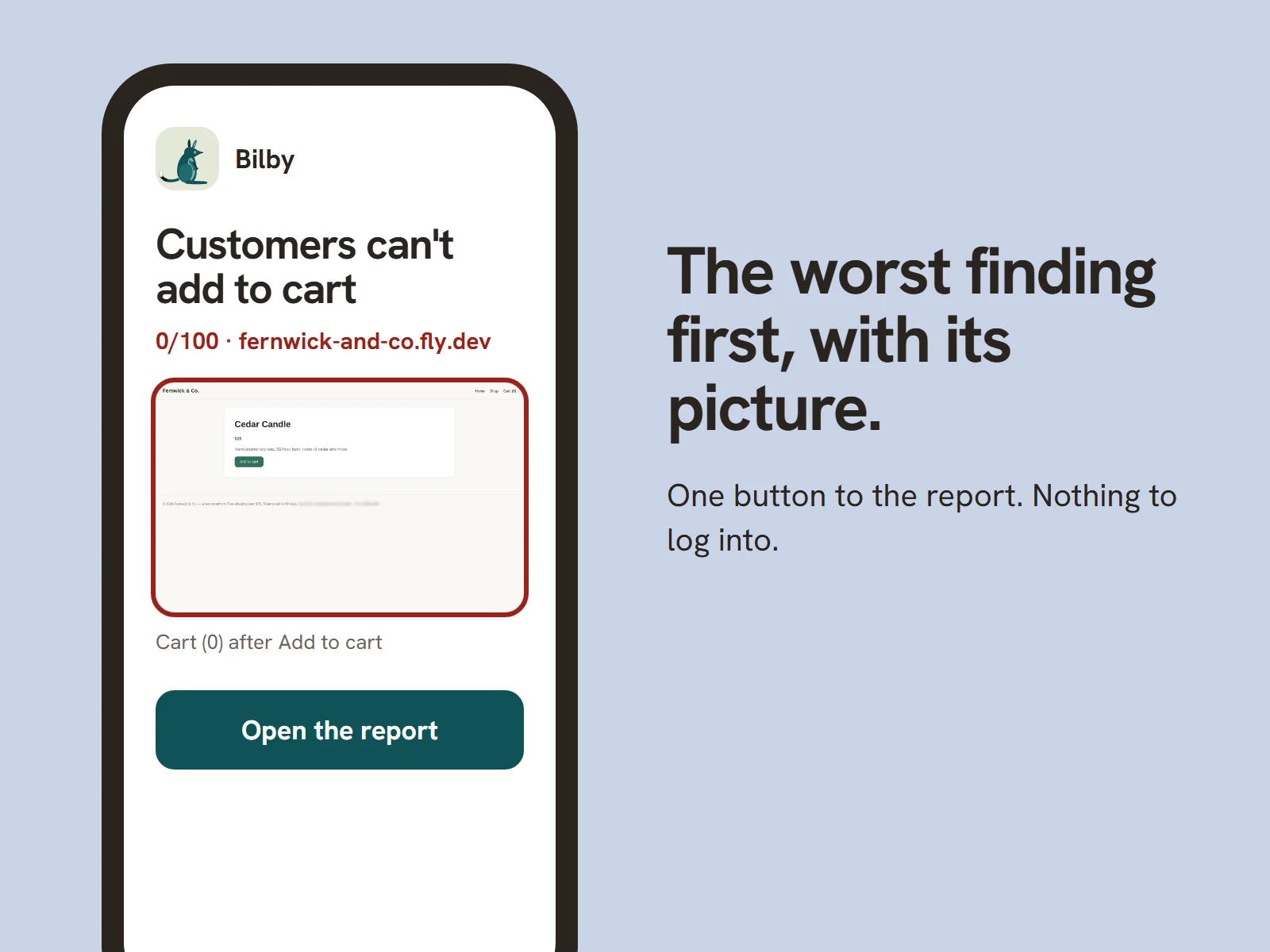
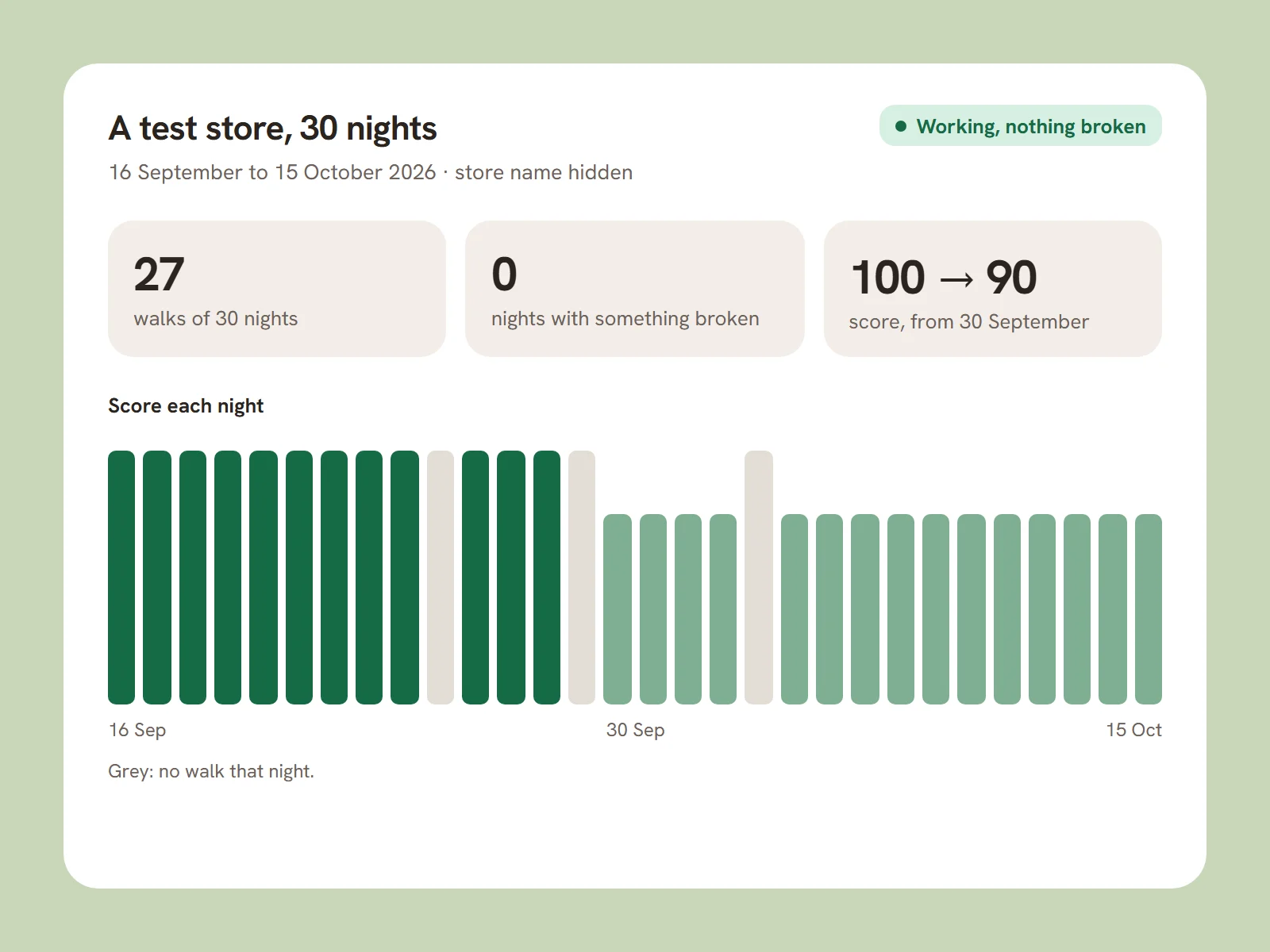
Bilby walks your store once a night, at 2 am in your store's own time. By morning that walk is on your board. An email comes only when the walk finds something: a break that stops a customer buying emails you the morning Bilby is sure of it, usually by 7 am, with the screenshot and the fix named. A note follows when it clears, and one reminder on the seventh night if it is still there. A quiet night sends no email, so open the board to see that Bilby went. A weekly email tells the week's story, on the day you choose.
Turning emails off
Every Bilby email ends with an Unsubscribe link. One press stops that kind of email to that address; receipts and sign-in codes are not affected. On the Alerts page you choose which kinds of break email you straight away (the rest wait for the weekly email), add other people to receive them, set quiet hours and pick the weekly day.
Cancelling
Open Billing and press Cancel at period end. Nightly walks and alerts continue until the period ends, and your scan history and findings stay exportable afterwards. There is nothing to uninstall.
Want more detail first?
How Bilby works explains the nightly visit. The seven things it checks lists what it looks at. Bilby help answers the questions that come up. Looking for the Shopify app's guide? It is Getting started with the Navaal SEO app.